VercelLogotypeVercelLogotype
LoginSign Up
Back to Templates

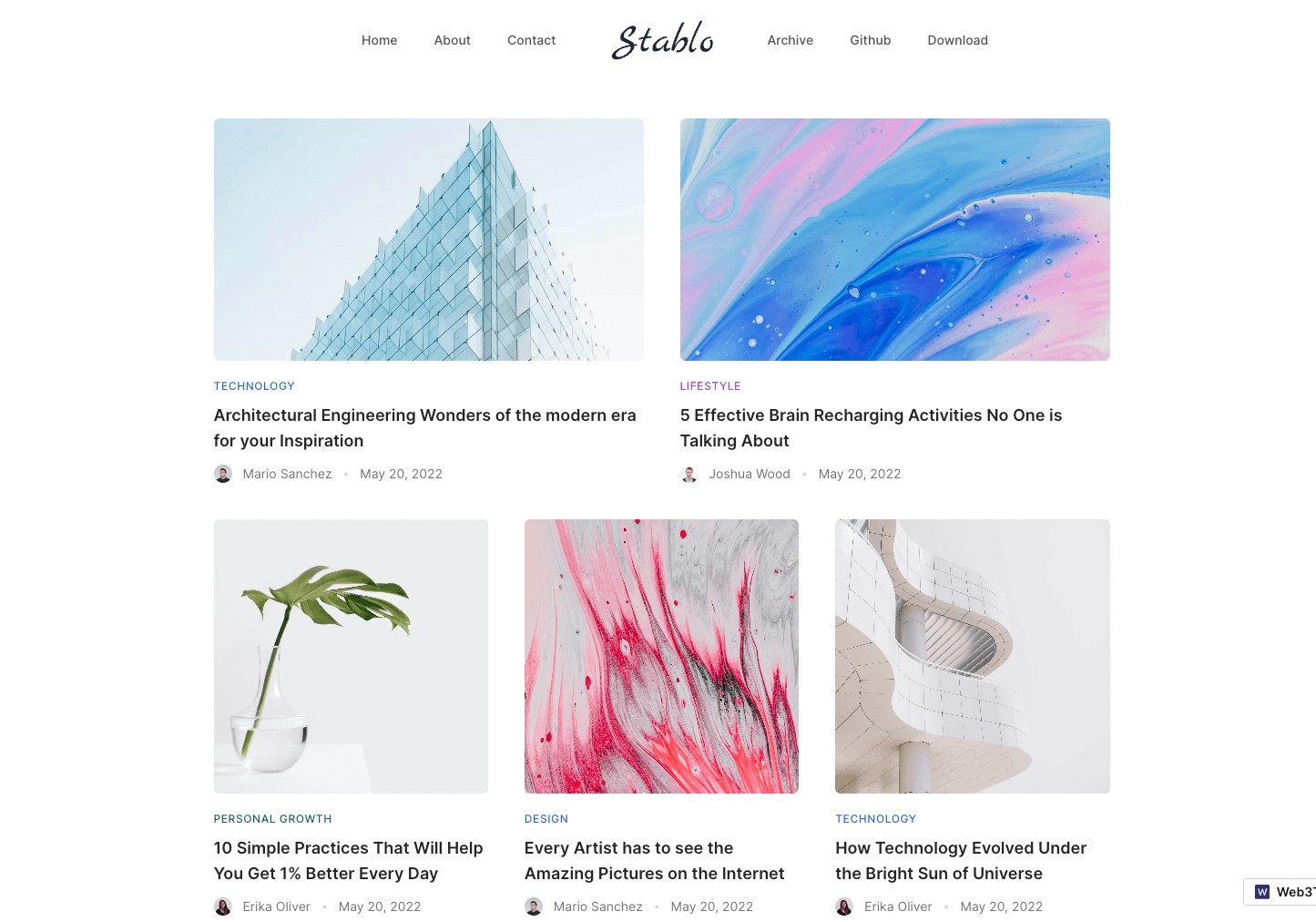
Stablo – Minimal Blog Template

A minimal blog website template built with Next.js, TailwindCSS & Sanity CMS

DeployView Demo
Stablo – Minimal Blog Template

Stablo Blog Template - Next.js & Sanity CMS

Stablo is a JAMStack Blog template built with Next.js, Tailwind CSS & Sanity CMS by Web3Templates. It comes with free & pro version.

Installation ↓

Live Demo

Free Version Demo →

Pro Version Demo →

Features

FeatureFree VersionPro Version
Next.js v13✅✅
/app Directory✅✅
Tailwind CSS✅✅
Sanity CMS (v3)✅✅
On-demand Revalidation❌✅
Auto-Update New PostsTime-Based✅
Mobile Responsive✅✅
Dark & Light Mode✅✅
Working Contact Page✅✅
Archive (Pagination)✅✅
Category Pages❌✅
Author Pages❌✅
Search Page❌✅
Homepage - Default✅✅
Homepage - Alternate❌✅
Homepage - Minimal❌✅
Homepage - Lifestlye❌✅
Homepage - Two Column❌✅
Blog Post - Default✅✅
Blog Post - Minimal❌✅
Blog Post - Lifestlye❌✅
Blog Post - with Sidebar❌✅
6 Months Support❌✅
Free Updates✅✅
LicenseGPL-2.0Commercial
   
PricingFree$49
 Deploy for freePurchase Pro
Click the above button for one-click clone & deploy for this template. Read quick start guide below. Template Preview

Sanity CMS Preview

Installation

Step 1: Deploy to Vercel

Use the Deploy Button below. It will let you deploy the starter using Vercel as well as connect it to your Sanity Studio using the Sanity Vercel Integration.

The above deploy will automatically configure the following:

  • Create new Repository in Github
  • Create a Sanity Project
  • Install Sanity Integration in Vercel
  • Add required CORS & API settings in the project
  • Deploy Frontend to Vercel

Alternatively, you can deploy to other services such as Netlify or Cloudflare Pages or AWS Amplify.

Step 2: Set up the project locally.

Once you have deployed the website, it will look like empty or not configured properly. This is expected. We need to do few more steps to make it as seen on the demo.

First, clone the github repository vercel created into your local machine. Use the following command structure. Make sure the terminal is on the right folder before executing this command.

git clone https://github.com/<usename>/<repo>.git your-project-name

Once cloned, run the following command from the project's root directory. This will link your vercel project.

npx vercel link

Now, run the following command to pull the .env variables to your local system.

npx vercel env pull

Now you can see that a new .env.local file has been created. If this doesn't work, you can also rename the .env.local.example to .env.local and add the Sanity Project ID manually.

Now, you can open your code editor (if not already) we prefer VSCode. The run the command in the integrated terminal inside the code editor.

npm install
# or
yarn install
# or
pnpm install

We prefer pnpm to save your disk space.

Step 3: Import Demo Data (Optional)

To look like what you have seen in the demo, with all the content and images, follow the below steps:

  1. if you have not installed @sanity/cli install it globally first.
npm install -g @sanity/cli
# or
yarn global add @sanity/cli
# or
pnpm install -g @sanity/cli

Then login to sanity using sanity login command

sanity login

Now, you will be able to import demo content by running the sanity-import command. The files are located at /lib/sanity/data/production.tar.gz and will load automatically by running the below command.

npm run sanity-import
# or
yarn sanity-import
# or
pnpm sanity-import

Step 4: Finish it up!

Now, run your project using the below command.

npm run dev
# or
yarn dev
# or
pnpm dev

Now your project should be up and the Next.js frontend will be running on http://localhost:3000.

Sanity Studio can be accessed using http://localhost:3000/studio or you can run it on a separate https://localhost:3333 server using the following command.

npm run sanity
# or
yarn sanity
# or
pnpm sanity

Step 5. Redploy

Once all of the above changes is made, make sure to redeploy to vercel once again to see all of your changes in production.

You can git push the changes and it should automatically trigger a new deployment. If not, you can also deploy to vercel using the following command.

npx vercel --prod

Manual Installation

We recommend you to use the one-click deploy option above. For some reason, if you cannot, use the following steps to install it manually.

Step 1. Clone the Repo

Clone the github repo or use the downloaded files in your local machine.

Step 2. Setup .env Variables.

Open the project folder and rename .env.local.example placed in the root folder into .env.local and add your sanity project ID. You can create a new project by visiting this link: https://www.sanity.io/get-started/create-project

If you already have a project, copy the project ID from https://sanity.io/manage

NEXT_PUBLIC_SANITY_PROJECT_ID=xxyyzz

Step 3. Allow CORS Origins

To make the studio work properly, you must add CORS origin in Sanity. This is usually setup automatically if you are using the Vercel Deploy. Visit https://www.sanity.io/manage/personal/project/<project-id>/api in your browser to add CORS origin.

Click Add CORS origin button and enter the URL as http://localhost:3000 and check the Allow credentials checkbox.

Step 4 Continue from above steps

Now, you will be able continue from the above instructions to import the demo data and running the project locally.

Help and Support

Something's not working as expected? Raise a github issue. If you need personalized support or help, please consider purchasing the Pro version and we will assist you over email.

Sponsor

GitHub Repoweb3templates/stablo
Use Cases
BlogCMS
Stack
Next.jsTailwind
CMS
Sanity

Related Templates

Get Started

  • Templates
  • Supported frameworks
  • Marketplace
  • Domains

Build

  • Next.js on Vercel
  • Turborepo
  • v0

Scale

  • Content delivery network
  • Fluid compute
  • CI/CD
  • Observability
  • AI GatewayNew
  • Vercel AgentNew

Secure

  • Platform security
  • Web Application Firewall
  • Bot management
  • BotID
  • SandboxNew

Resources

  • Pricing
  • Customers
  • Enterprise
  • Articles
  • Startups
  • Solution partners

Learn

  • Docs
  • Blog
  • Changelog
  • Knowledge Base
  • Academy
  • Community

Frameworks

  • Next.js
  • Nuxt
  • Svelte
  • Nitro
  • Turbo

SDKs

  • AI SDK
  • Workflow SDKNew
  • Flags SDK
  • Chat SDK
  • Streamdown AINew

Use Cases

  • Composable commerce
  • Multi-tenant platforms
  • Web apps
  • Marketing sites
  • Platform engineers
  • Design engineers

Company

  • About
  • Careers
  • Help
  • Press
  • Legal
  • Privacy Policy

Community

  • Open source program
  • Events
  • Shipped on Vercel
  • GitHub
  • LinkedIn
  • X
  • YouTube

Loading status…

Select a display theme:
    • AI Cloud
      • v0

        Build applications with AI

      • AI SDK

        The AI Toolkit for TypeScript

      • AI Gateway

        One endpoint, all your models

      • Vercel Agent

        An agent that knows your stack

      • Sandbox

        AI workflows in live environments

    • Core Platform
      • CI/CD

        Helping teams ship 6× faster

      • Content Delivery

        Fast, scalable, and reliable

      • Fluid Compute

        Servers, in serverless form

      • Observability

        Trace every step

    • Security
      • Bot Management

        Scalable bot protection

      • BotID

        Invisible CAPTCHA

      • Platform Security

        DDoS Protection, Firewall

      • Web Application Firewall

        Granular, custom protection

    • Company
      • Customers

        Trusted by the best teams

      • Blog

        The latest posts and changes

      • Changelog

        See what shipped

      • Press

        Read the latest news

      • Events

        Join us at an event

    • Learn
      • Docs

        Vercel documentation

      • Academy

        Linear courses to level up

      • Knowledge Base

        Find help quickly

      • Community

        Join the conversation

    • Open Source
      • Next.js

        The native Next.js platform

      • Nuxt

        The progressive web framework

      • Svelte

        The web’s efficient UI framework

      • Turborepo

        Speed with Enterprise scale

    • Use Cases
      • AI Apps

        Deploy at the speed of AI

      • Composable Commerce

        Power storefronts that convert

      • Marketing Sites

        Launch campaigns fast

      • Multi-tenant Platforms

        Scale apps with one codebase

      • Web Apps

        Ship features, not infrastructure

    • Tools
      • Marketplace

        Extend and automate workflows

      • Templates

        Jumpstart app development

      • Partner Finder

        Get help from solution partners

    • Users
      • Platform Engineers

        Automate away repetition

      • Design Engineers

        Deploy for every idea

  • Enterprise
  • Pricing
Log InContact
Sign Up
Sign Up
Back to Templates
DeployView Demo

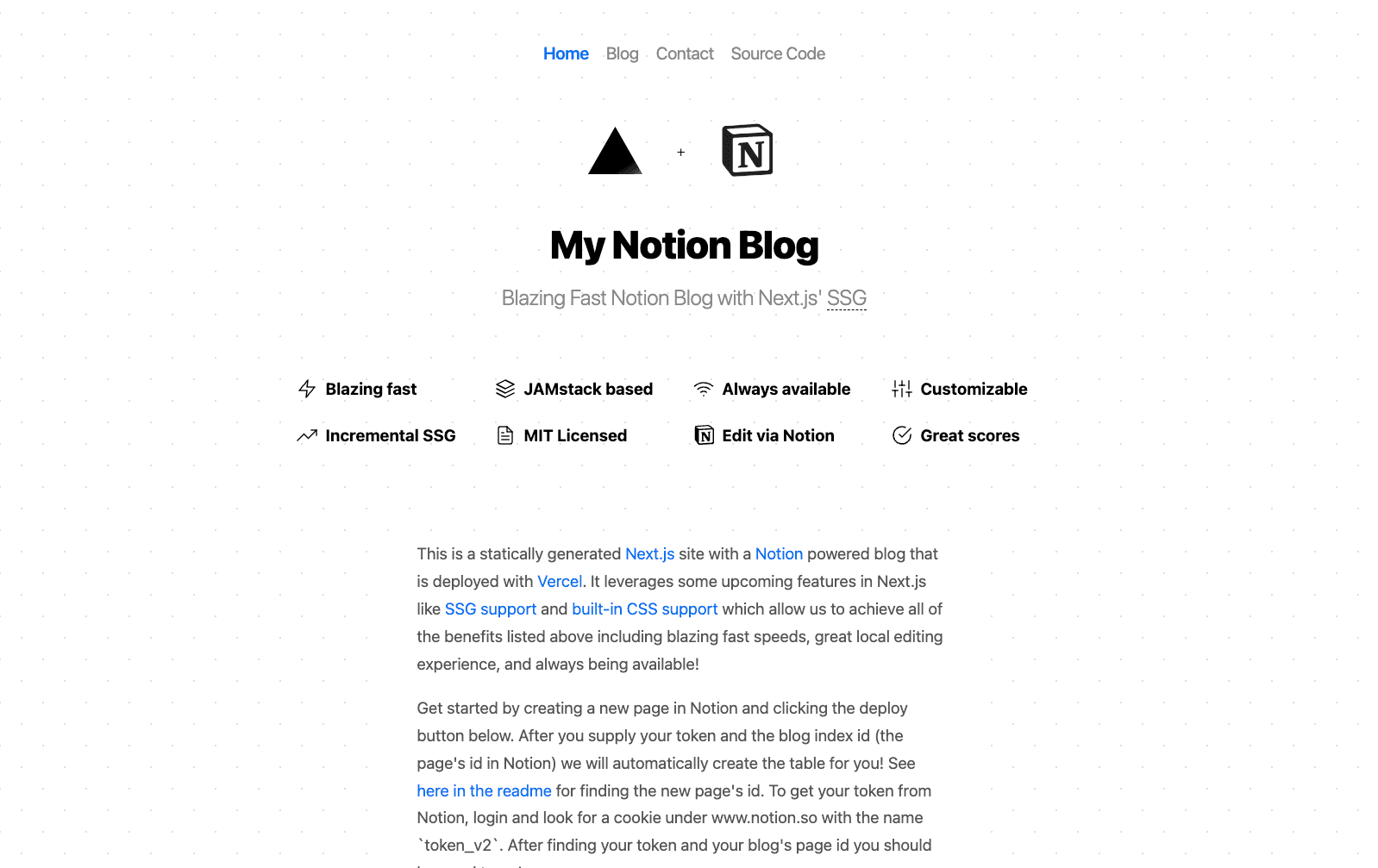
Notion-backed Next.js Blog

A Next.js site using new SSG support with a Notion backed blog
Notion-backed Next.js Blog

Blog Starter Kit

A statically generated blog example using Next.js and Markdown.
Blog Starter Kit

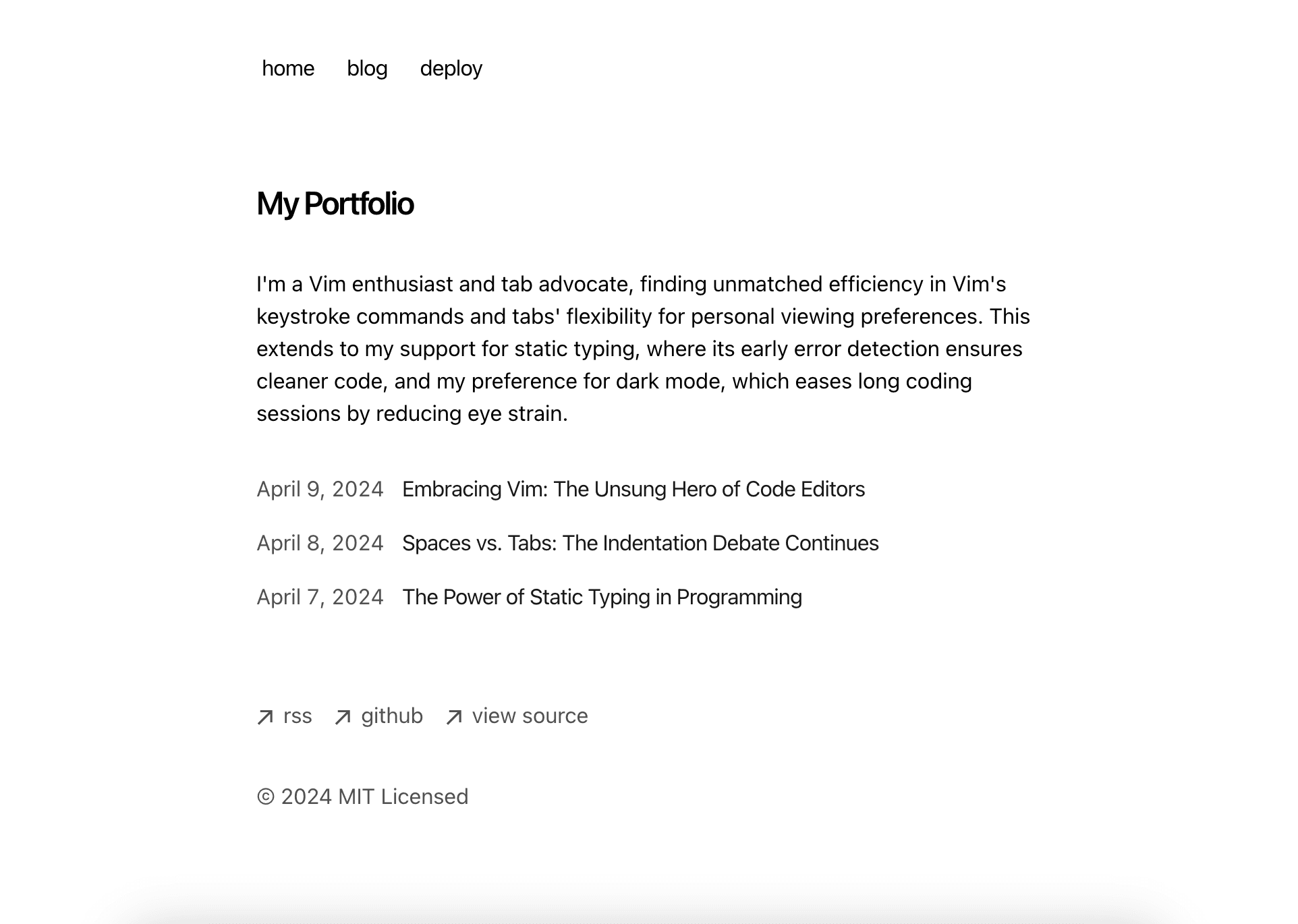
Next.js Portfolio with Blog

Easily create a portfolio with Next.js and Markdown.
Next.js Portfolio with Blog
v0

Build applications with AI

AI SDK

The AI Toolkit for TypeScript

AI Gateway

One endpoint, all your models

Vercel Agent

An agent that knows your stack

Sandbox

AI workflows in live environments

CI/CD

Helping teams ship 6× faster

Content Delivery

Fast, scalable, and reliable

Fluid Compute

Servers, in serverless form

Observability

Trace every step

Bot Management

Scalable bot protection

BotID

Invisible CAPTCHA

Platform Security

DDoS Protection, Firewall

Web Application Firewall

Granular, custom protection

Customers

Trusted by the best teams

Blog

The latest posts and changes

Changelog

See what shipped

Press

Read the latest news

Events

Join us at an event

Docs

Vercel documentation

Academy

Linear courses to level up

Knowledge Base

Find help quickly

Community

Join the conversation

Next.js

The native Next.js platform

Nuxt

The progressive web framework

Svelte

The web’s efficient UI framework

Turborepo

Speed with Enterprise scale

AI Apps

Deploy at the speed of AI

Composable Commerce

Power storefronts that convert

Marketing Sites

Launch campaigns fast

Multi-tenant Platforms

Scale apps with one codebase

Web Apps

Ship features, not infrastructure

Marketplace

Extend and automate workflows

Templates

Jumpstart app development

Partner Finder

Get help from solution partners

Platform Engineers

Automate away repetition

Design Engineers

Deploy for every idea